
Membership and Loyalty Reward Wallet
Key Ring is a free app that allows you to store membership cards, rewards cards, and loyalty cards on your device.




Join the millions who love Key Ring

Great app and a realtimesaver. I used to carry my cards around on my keychain, but that was extremely bulky and hard to do. So I replaced it with this app and I haven’t looked back. I haven’t come across the store that hasn’t been able to read the card.
Tom P.
Easy to load and find rewards and loyalty cards. I have been using this app for years and it is super easy to use.
Latin RS
Handy! You always have your phone, but having a wallet stuffed with loyalty cards and IDs is not fun!
Michael B.
Keep your library card, pharmacy awards and other documents at your finger tips. Easy access to seldom used cards.
Cricks4U
This app has made life so much easier. I love that I can store of my store reward cards in one place. These days everyone has a card and what better place to keep them at your fingertips than KEY RING!! Thank you for simplifying my life!
Chalarae
The best app for storing ALL those store reward and travel reward numbers!
Loretta F.
I have been using this app forever. My keychain use to wear me down. Now, I have every one of my membership cards in the palm of my hand.
Blu G91
I have used this app for many years and find it very valuable. I don’t want to carry all the cards that I need to in my wallet, so I just scan them put them in here and they’re always available.
Guitarplayer BP
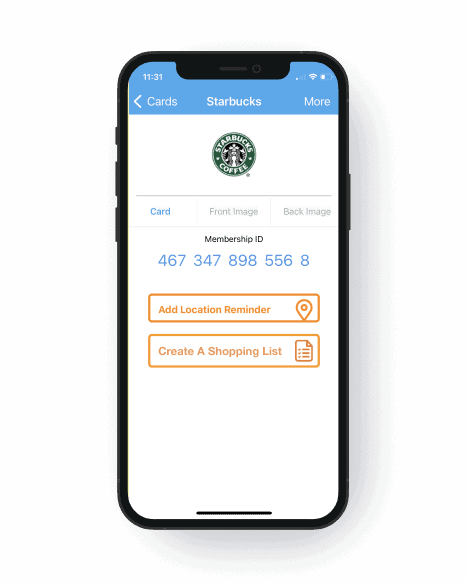
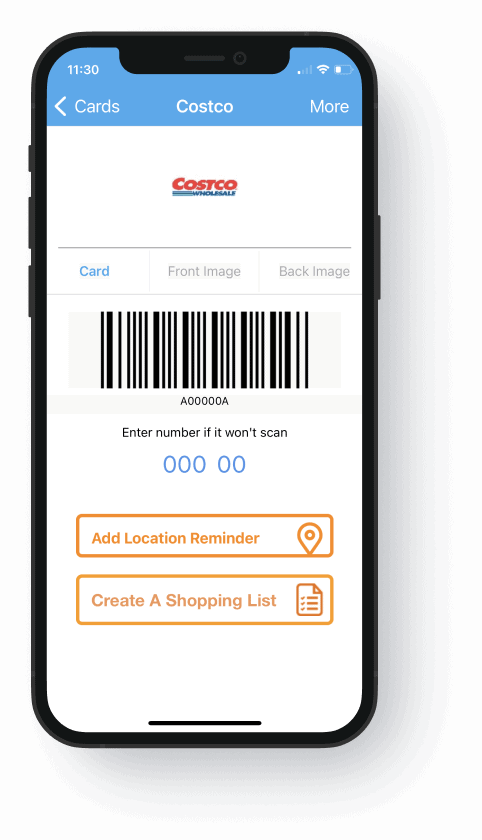
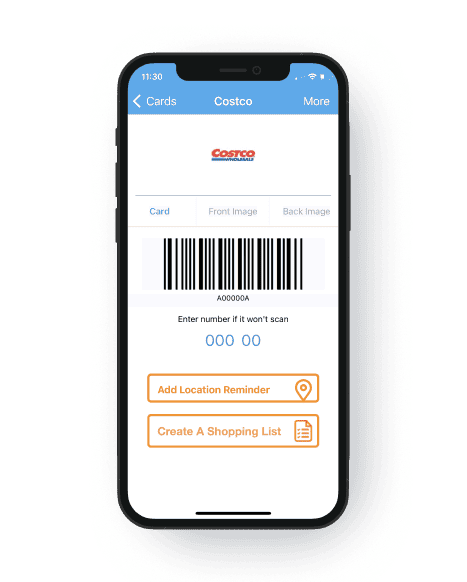
Quick Setup
Simply scan or enter your card information into the app, and you're ready to go!

Convenient
No need to awkwardly fumble for your cards at the checkout counter. Simply pull out your phone and scan!
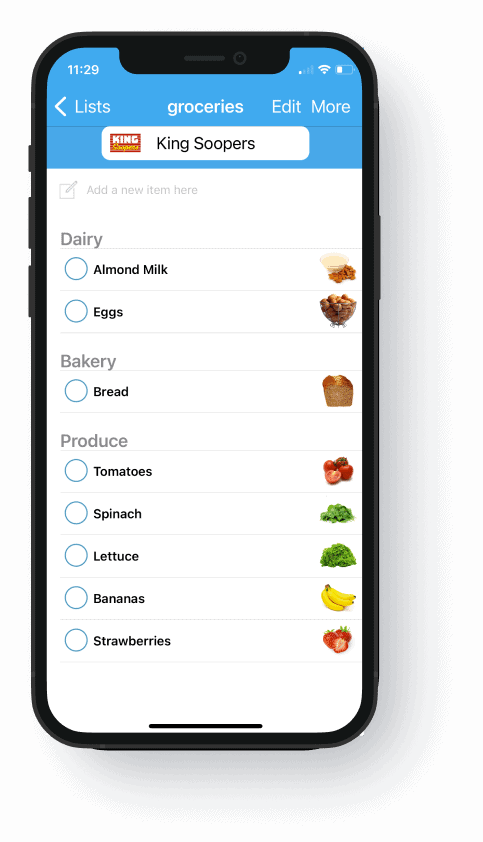
Stay organized
Create and share shopping lists with your friends. Never leave home without your list!

Frequently Asked Questions (FAQs)
General Questions
Is the Key Ring app free to use?
Yes, the Key Ring app is free to download and use.
How does the Key Ring app work?
The app allows you to scan and store your loyalty cards, rewards cards, and membership cards and stores them on your device. Open the app at the checkout and scan the barcode or QR code.
What is the Key Ring mobile app?
The Key Ring app is a digital wallet for storing and organizing your loyalty cards, rewards cards, and membership cards. This mobile wallet can even store your library card!
Setup And Usage
How do I use a loyalty card stored in the Key Ring app at a store?
Open the app, select the card you want to use, and show the barcode or QR code to the cashier to scan at checkout.
Can I add multiple loyalty cards to the Key Ring app?
Yes, you can add as many loyalty cards, rewards cards, and membership cards as you need. The app allows you to store and organize multiple cards for various stores and services.
How do I add a loyalty card to the Key Ring app?
Open the app, tap the "+" button, select "Add Card," and either scan the barcode on your card or enter the card number manually.
Account And Security
Can I access my Key Ring account on multiple devices?
Yes, you can log into your account on multiple devices to access your stored cards and coupons.
How secure is my information on the Key Ring app?
The Key Ring app uses encryption and other security measures to protect your data. Your information is stored securely and is only accessible by you.
Do I need to create an account to use the Key Ring app?
Creating an account is not mandatory, but it is recommended for backing up your cards and accessing your information across multiple devices.
Troubleshooting
How can I recover my Key Ring account if I forget my password?
Tap "Forgot Password" on the login screen and follow the instructions to reset your password via email.
Why can’t I scan my card’s barcode into the Key Ring app?
Ensure the barcode is clean and well-lit. If the issue persists, try entering the card number manually or contact support for assistance.
What should I do if a store doesn’t accept my digital loyalty card?
If a store doesn't accept your digital card, you can manually enter the card number at checkout or ask the cashier for assistance.